Pilot AI
- Pilot AI for Revit
- Pilot AI for AutoCAD & Civil 3D
- Pilot AI for Advance Steel
- Pilot AI for Navisworks
- Pilot AI for Inventor
- Pilot AI for 3ds Max
- Pilot AI for Robot
Quality
Data & Parameters
Modeling
Structural
Reinforcement
Visualize & Export
Toolbox/Quality
PROJECT ONLY
One scan, one 0–100 score. Model Doctor finds what slows your model down and fixes the safe issues in one click — with a preview and full undo.
Highlights
0–100 health score at a glance
13 checks in one scan
Fix All Safe — one undo
AI explains every finding
Screenshots
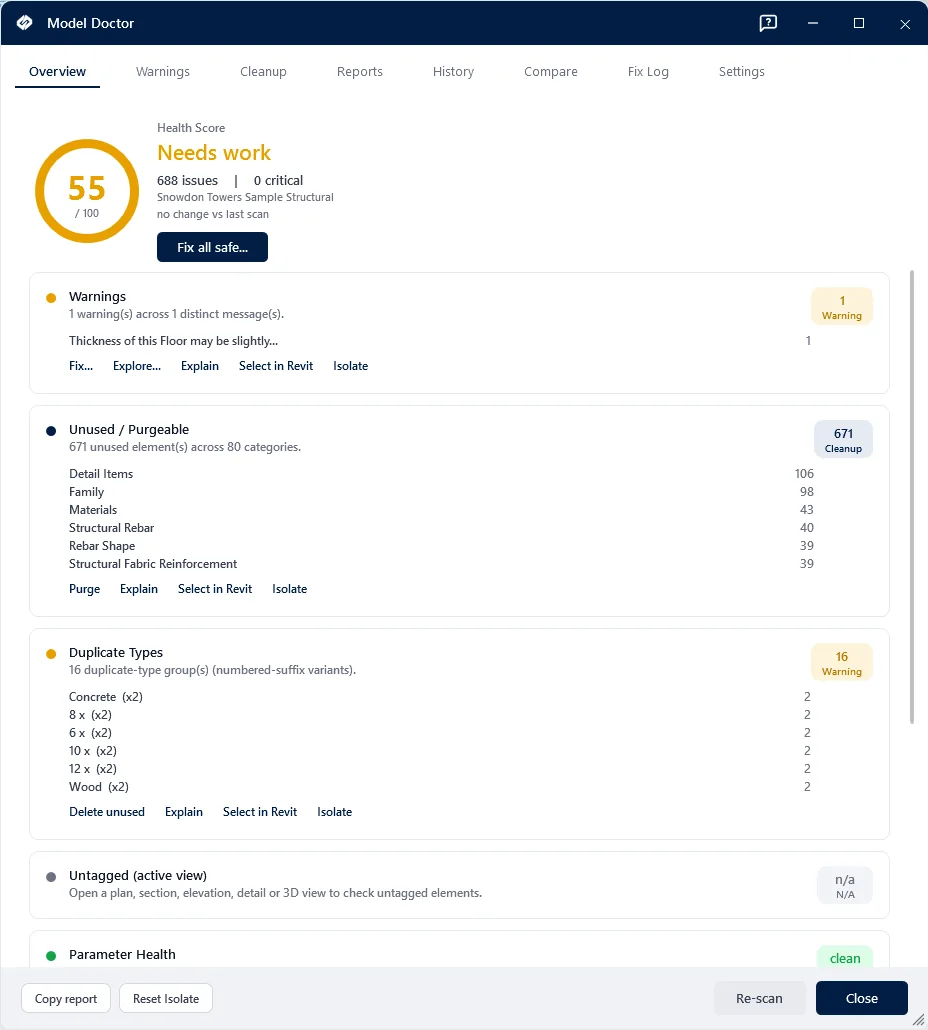
What It Checks
Thirteen checks, each scored on its own and combined into one 0–100 score. The dashboard lists them by the points the score would gain if that check were clean, so the top line is what to fix first. A Quick scan leaves out the four checks that go through every element or type of a large model.
- Warnings
- Unused and purgeable elements
- Duplicate types
- Untagged elements in the active view
- Parameter health
- CAD imports
- In-place families
- Unplaced or unbounded rooms
- Naming violations
- Views not on sheets
- Views without a template
- Unused view templates
- Empty sheets
How to Check a Revit Model’s Health
- Open the project in Revit and start Model Doctor from the AEC Pilot tab.
- Run a scan. The score appears with the check that costs it the most points at the top.
- Open a finding to select its elements in the model, or ask the AI to explain it.
- Fix one card at a time, or run Fix All Safe: the fixes you leave ticked run as one undo step. Then scan again.
Frequently Asked Questions
Is Model Doctor an Online Model Health Check?
No. It runs inside Revit on your computer, so the model is never uploaded. It checks project files, not families.
What Does Fix All Safe Change?
Only the fixes you leave ticked in its checklist, such as purging unused elements (Revit 2024 or later), removing duplicate types, tagging untagged elements in the view, stripping “Copy of” from names and deleting views that are on no sheet. They run together, so one undo takes them all back.
Does It Work on Workshared Models?
Yes. The fixes that edit elements skip the ones another user has borrowed and tell you how many they skipped.
Can Claude or ChatGPT Check a Revit Model’s Health?
Yes, through AEC Pilot’s Revit MCP server. Ask for the warnings, duplicate types, unused elements or missing parameter values of the open model: the assistant reads them with tools such as get_warnings, audit_duplicate_types and purge_unused, and changes the model only when you ask it to.
Walkthrough
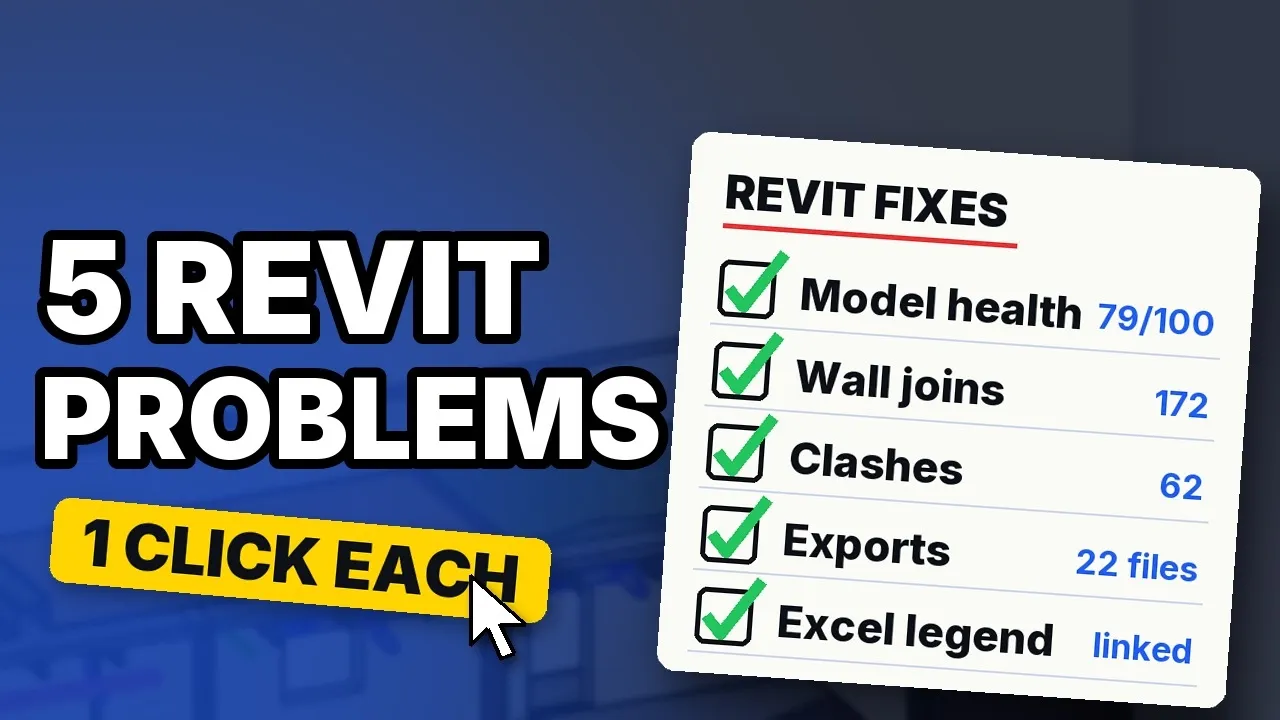
5 Revit problems and a one-click fix for each
Try Model Doctor free for 14 days Next: IFC Ready