Pilot AI · SOFiSTiK
SOFiSTiK with AI: SBiM and reinforcement
AEC Pilot works with SOFiSTiK Bridge + Infrastructure Modeler through SOFiSTiK’s official API. Design tables become SBiM elements, parameters are written without Dynamo, and four rebar tools work alongside SOFiSTiK in Revit. Everything runs locally on your machine.
From design tables to SBiM elements
A tunnel or a bridge in SBiM is hundreds of segments along an axis, each with its own placement, cross-section and class. The assistant builds them from the design tables instead of by hand.
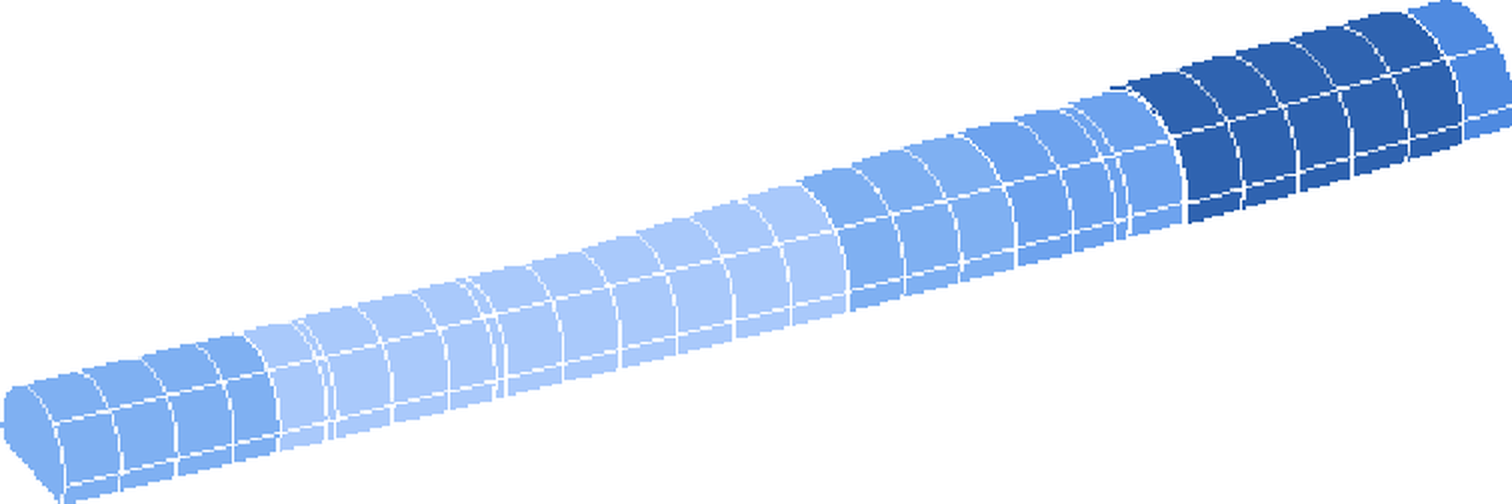
- Support classes and chainages from Excel become superstructures along the axis
- Sections are matched by chainage, not by name, so renumbered sections still land correctly
- Existing SBiM elements are edited in place, so their quantities and parameters stay
- Built on SOFiSTiK’s official SBiM .NET API
Parameters without Dynamo
As-built and IFC property sets are written straight through the API, in one flow. On a road tunnel project in Norway, that flow replaced six Dynamo scripts and applies 1,659 property-set rules.
Reinforcement, alongside SOFiSTiK
Four Revit tools for everyday rebar work. They work on Revit rebar, including bars placed with SOFiSTiK Reinforcement.
- Rebar Numbering: consistent marks for identical bars, by shape, diameter, bending geometry and material
- Rebar Visibility: bars fully in front of or behind the concrete, in one click
- Isolate by Mark: only the bars with one mark, in the active view
- Align Rebars: overlapping segments found and lined up in congested zones

What you can ask
- “Create the SBiM superstructures for subzone 1 from the support class table, matched by chainage.”
- “Fill the as-built parameters on every SBiM element in this view.”
- “Move the start placement of this superstructure to section 3.2 without rebuilding it.”
- “Which segments have no support class yet?”
Frequently asked questions
Does AEC Pilot replace SOFiSTiK?
No. It works with SOFiSTiK Bridge + Infrastructure Modeler through SOFiSTiK’s own API, so you need SOFiSTiK installed and licensed. AEC Pilot takes over the repetitive steps around it.
Which SOFiSTiK products does it work with?
SOFiSTiK Bridge + Infrastructure Modeler in Revit, through its official .NET API. The rebar tools work on Revit rebar, including bars placed with SOFiSTiK Reinforcement.
Does my model leave my machine?
No. Everything runs inside Revit on your PC and your files are never uploaded; your AI client sees only the results of what you ask for.
SOFiSTiK is a trademark of SOFiSTiK AG. Revit is a trademark of Autodesk, Inc. Learn more at aecpilot.com.